Taitopia
the Online Render Engine for
Next-gen Industrial Design
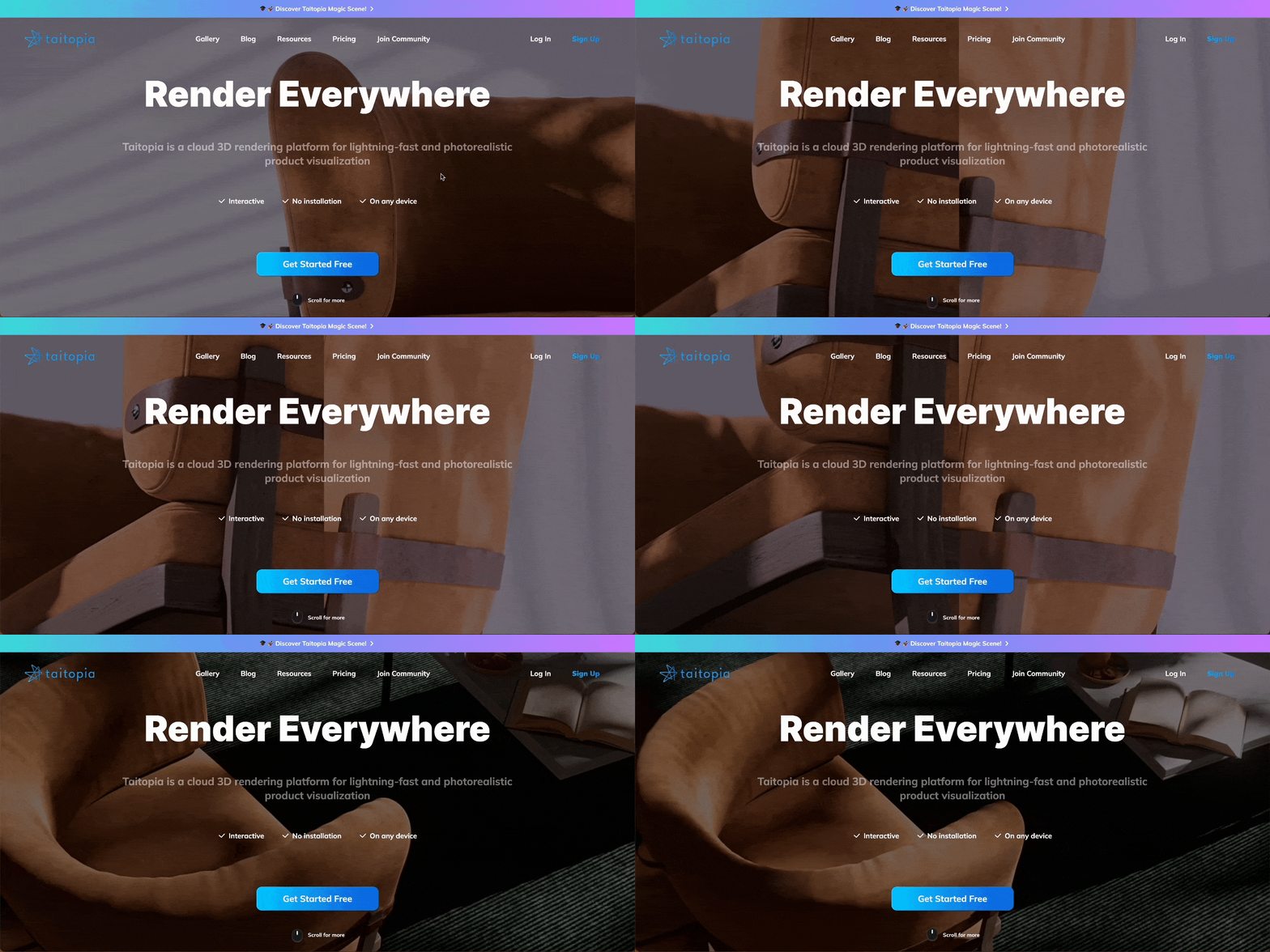
Over the past two years, I've been working on the Taitopia Renderer.
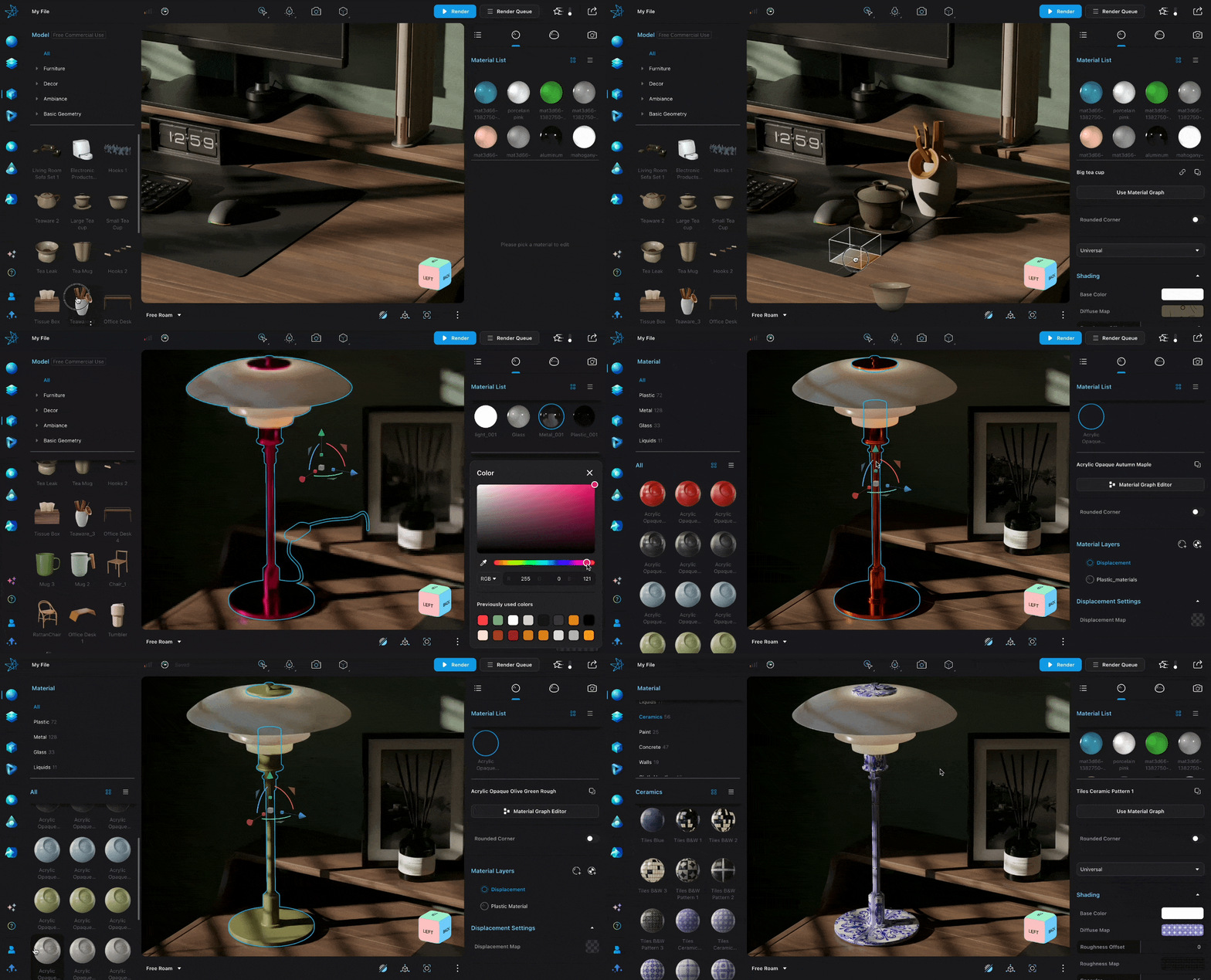
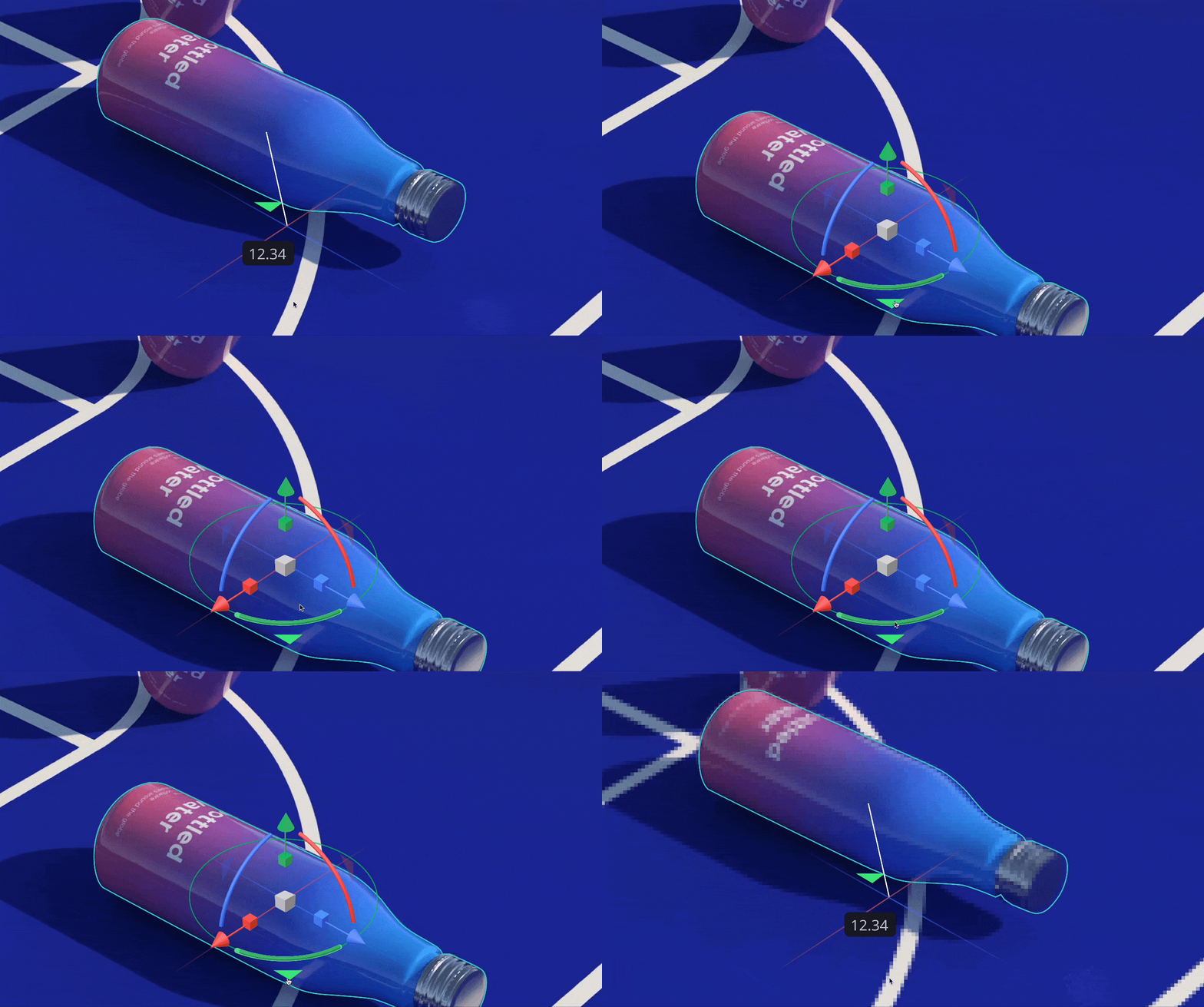
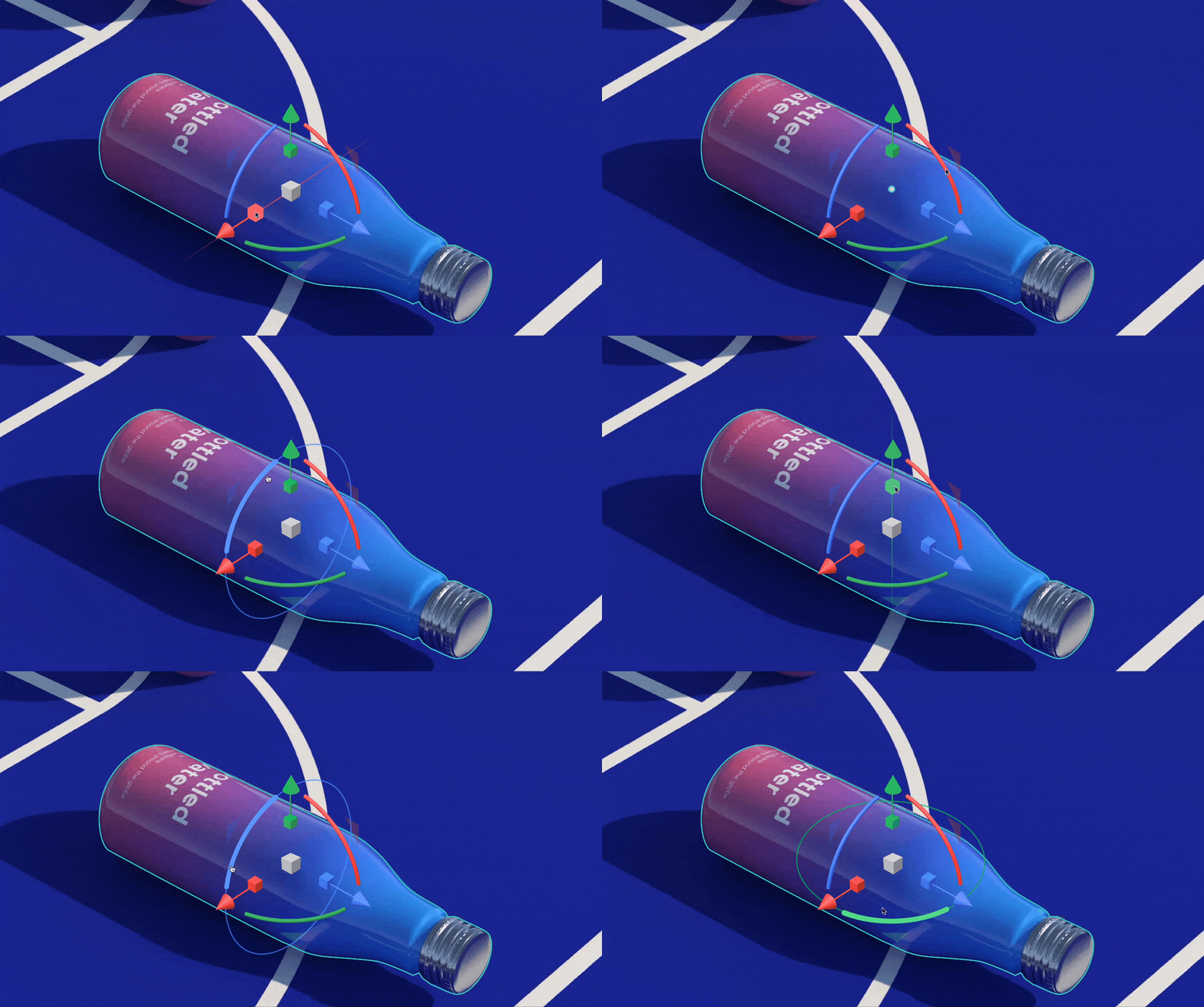
In the industrial product renderer "Taitopia", industrial designers can apply material and textures to their model, set scenes, and adjust camera for shooting, ultimately rendering and exporting product effect images or videos.
To try Taitopia (free): https://taitopia.design/
I worked on all the design projects of Taitopia including systematic framework of Workspace, intricate editing functions, and visual optimization. From the standpoint of a product designer, I categorize them into the following types by which I accumulate design regularities and knowledge for future projects.
Design for Management
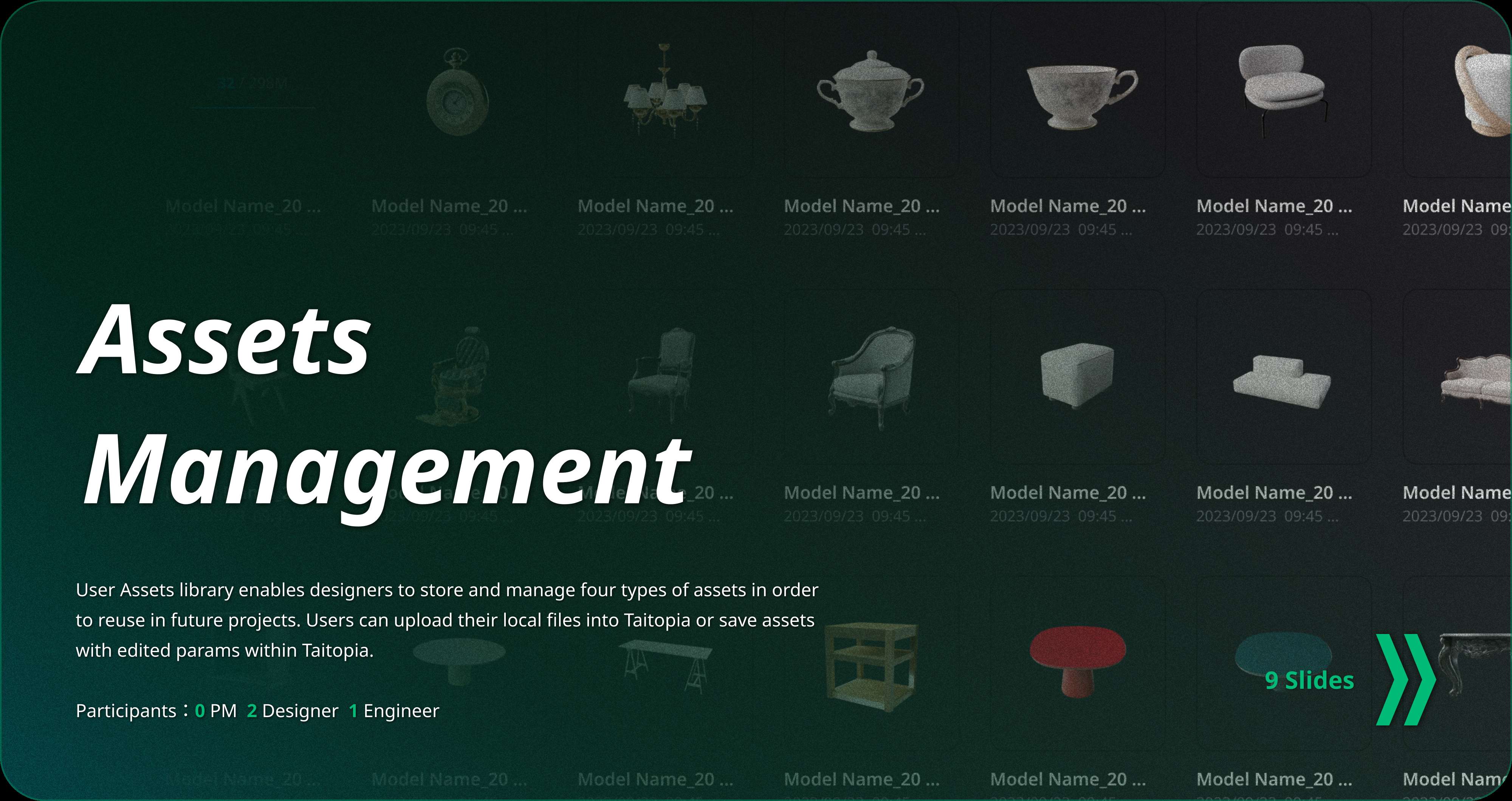
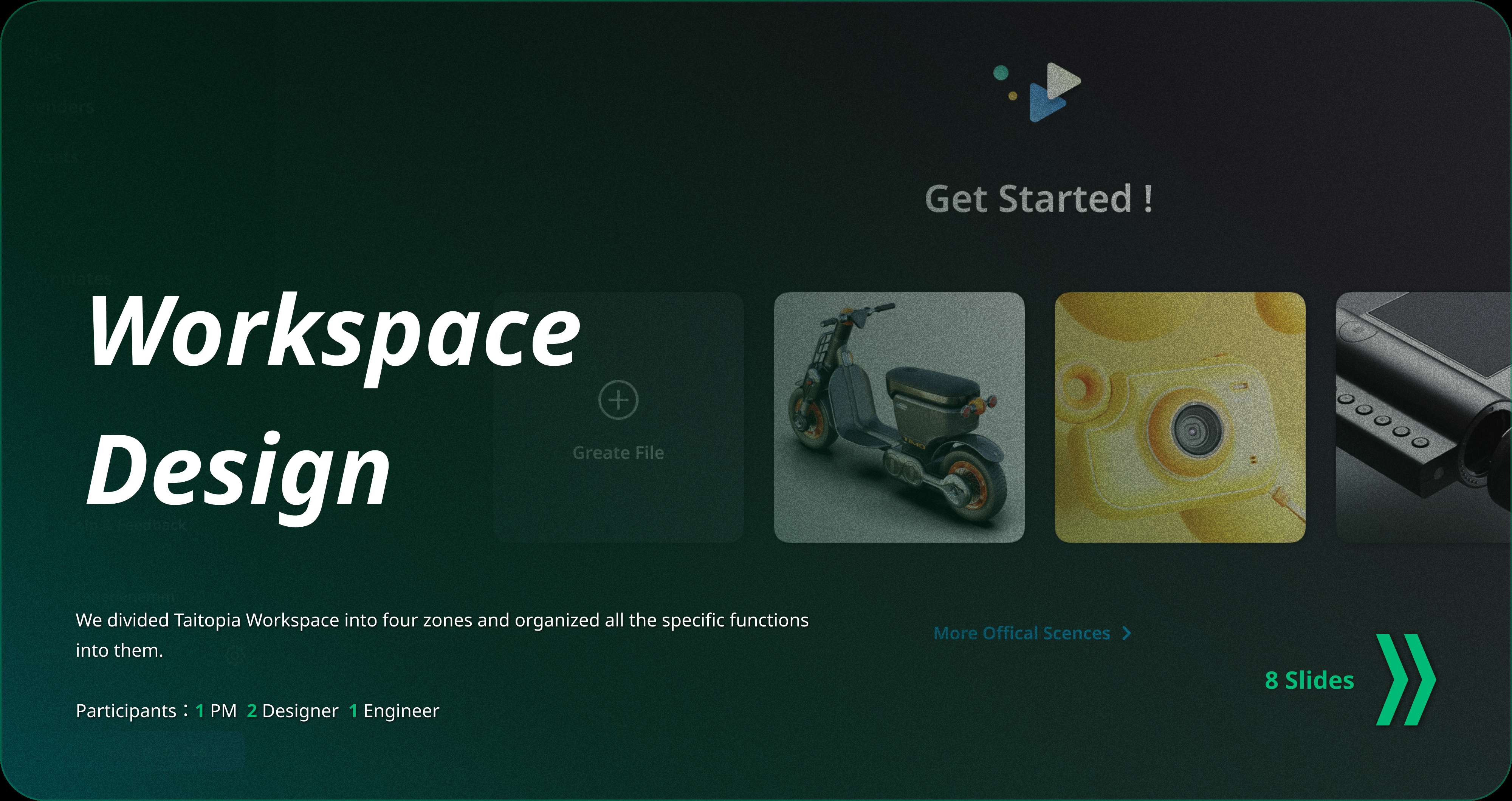
Taitopia is but not only a renderer. It also provides workspace for designers to manage their project files and assets personally or within team. Taitopia tried to help designers translate their workflow onto cloud, since the heaviness of 3D files and the lack of local storage have always been a big concern for industrial designers.
Check 3 ProjectsDesign for Operation
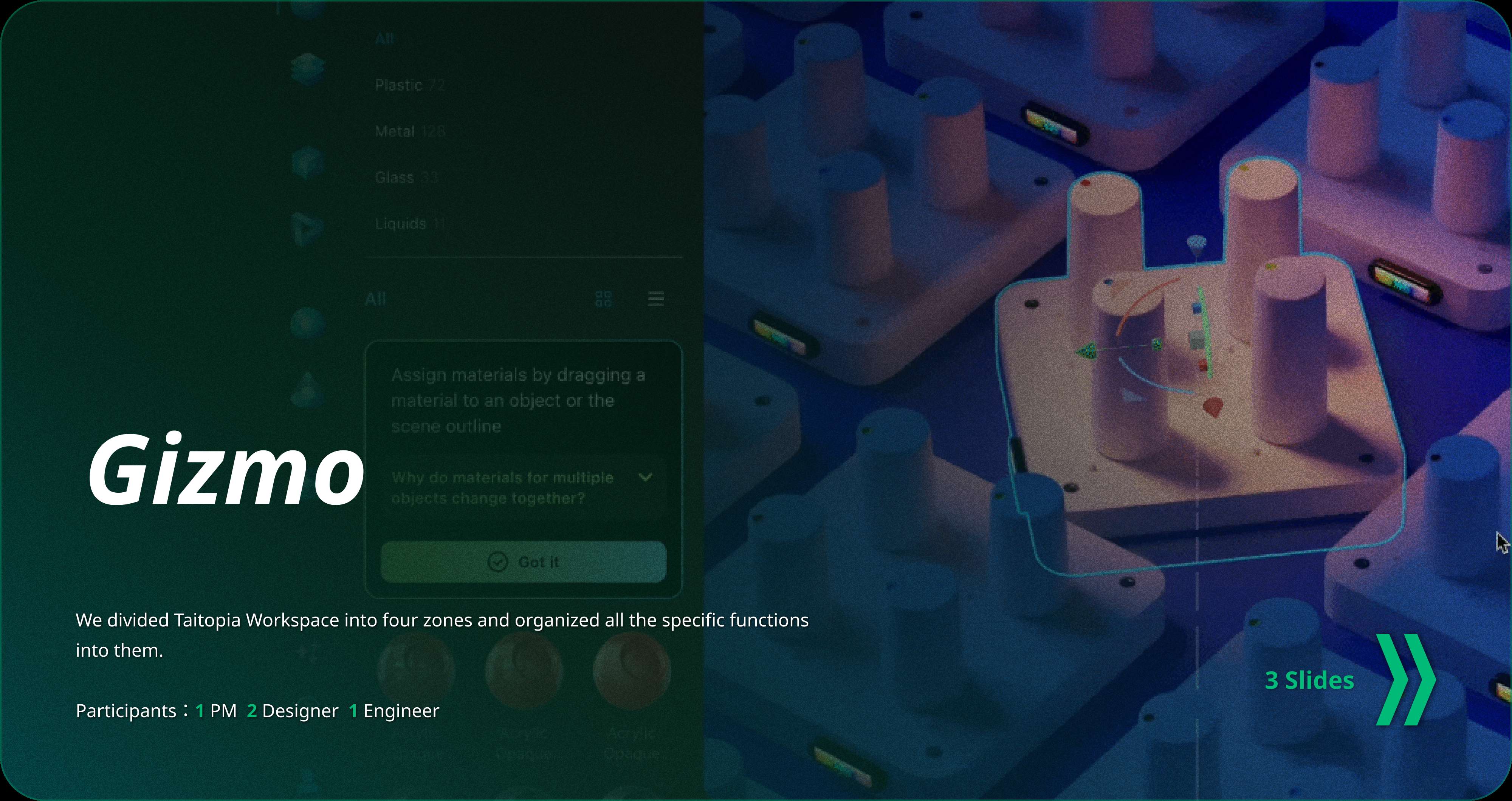
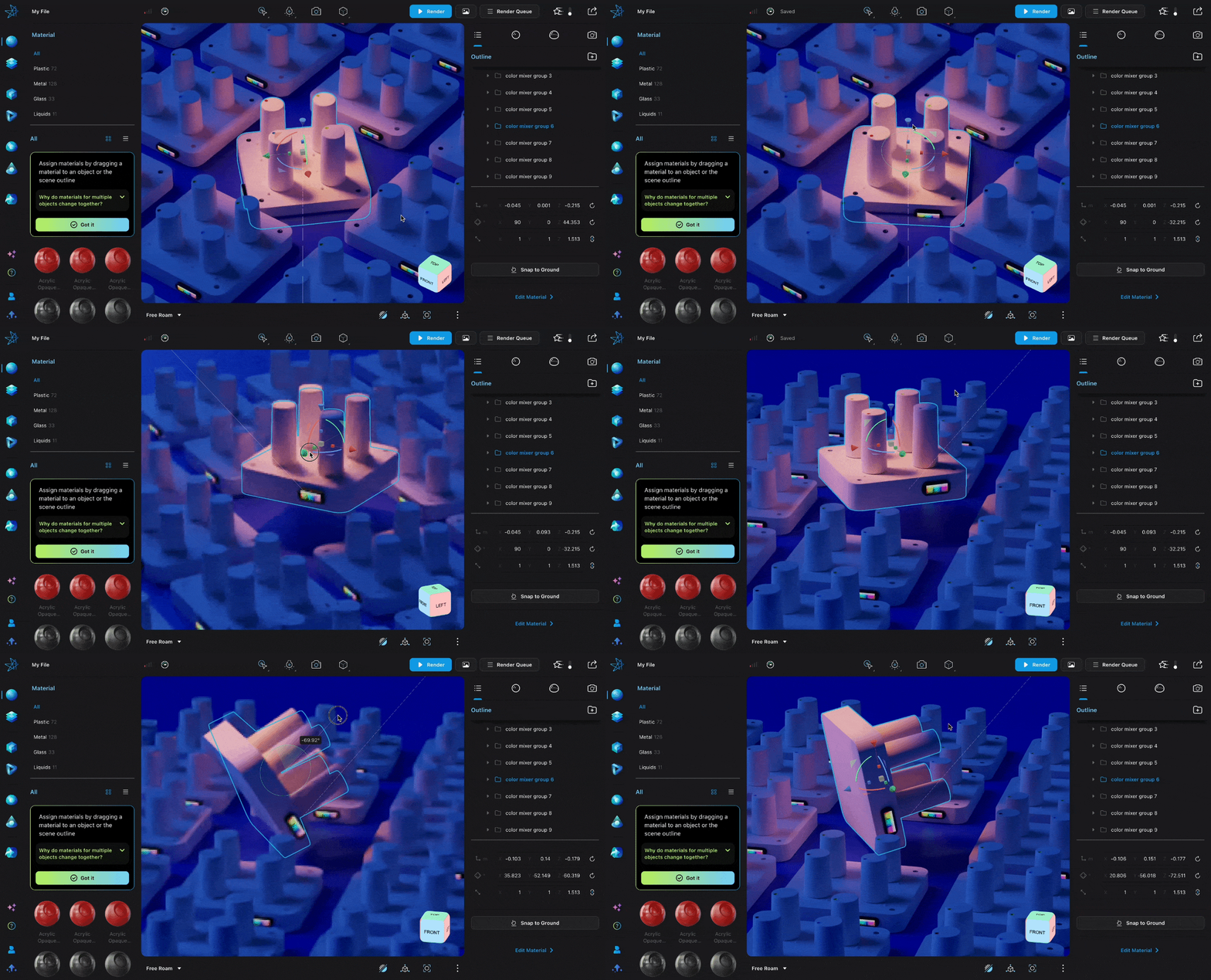
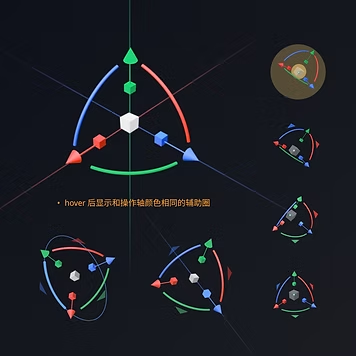
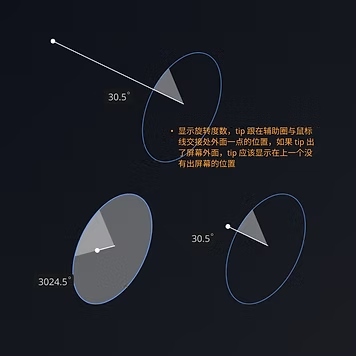
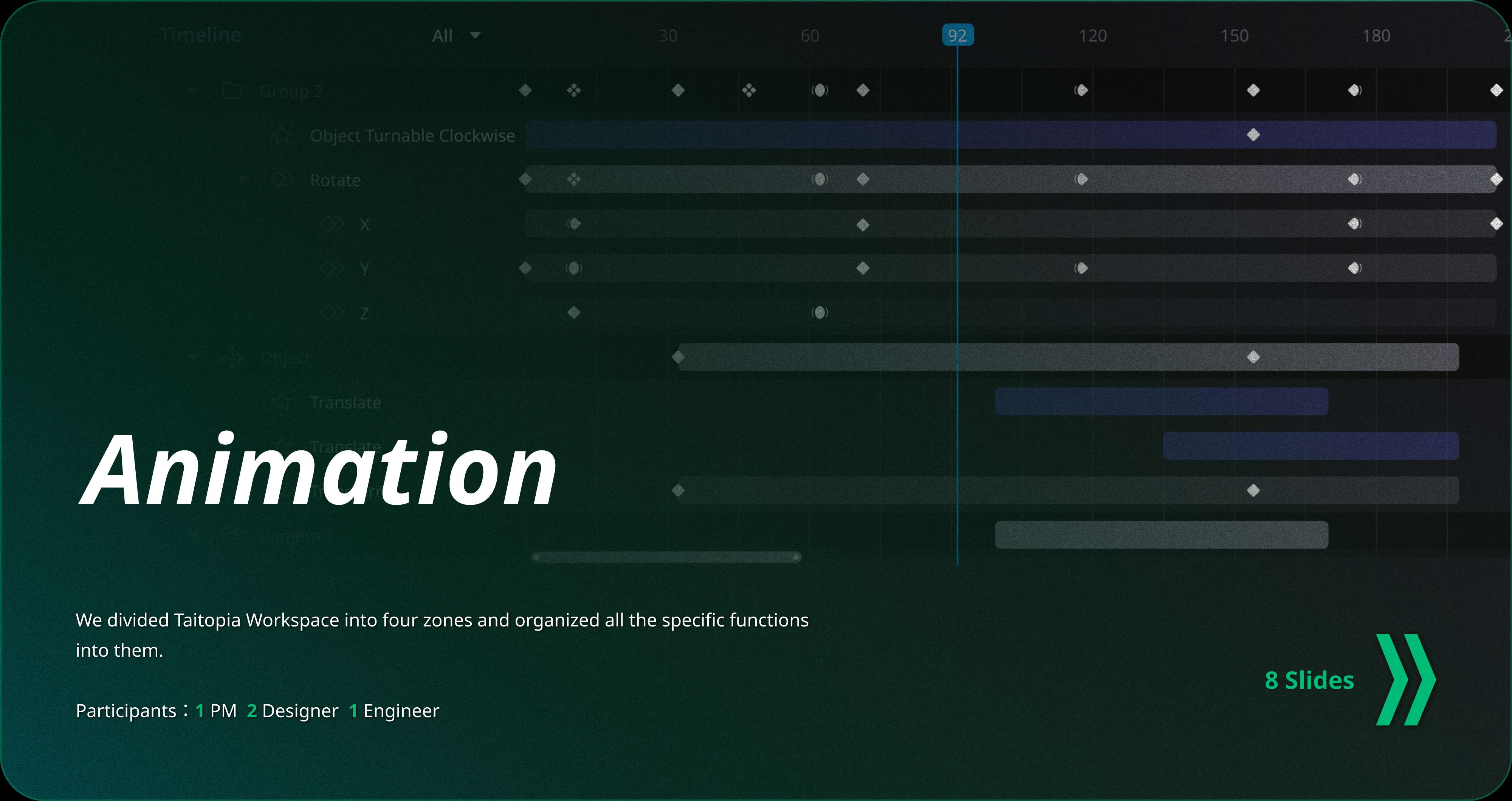
"Complex Operation" refers to the long-curved comprehensive content editing that users perform. Such functionality is commonly found in tool-type products, such as Powerpoint, Photoshop, Figma, etc. Taitopia includes a large number of operation designs, and the smoothness of these operations' interactions is the crucial part of the overall experience of Taitopia.
Check 4 Projects
Design for
Browsing
"Browsing functions" primarily focused on presenting information and multimedia content. Examples include news, social media, reading, and shopping websites. After browsing and retrieving information, users are likely to proceed to deal with the contents they get, such as sharing or commenting.
Check 3 ProjectsNotification
Notifications could be feedbacks on user actions, warnings about imminent errors, or indications of abnormal operation. Every page has the potential for errors, although they may be rare occurrences, they can significantly impact the user experience when they do occur. Well-designed error notification can help mitigate this impact slightly.
Check 2 ProjectsAs product designers, there's often a significant gap between what we hope users do and what they're willing or likely to do. This calls for appropriate guidance design to direct and suggest users. Guiding designs include "new user guides" and "upgrade/payment guides." The timing of these guides is crucial, as well as the UX writings. They shouldn't excessively interrupt users or make them feel manipulated.
Check 2 ProjectsGuidance
Details
Design details may not be the most crucial part of the product experience, but a multitude of details can accumulate to create the product's reputation.
Check 1 Project